Overview#
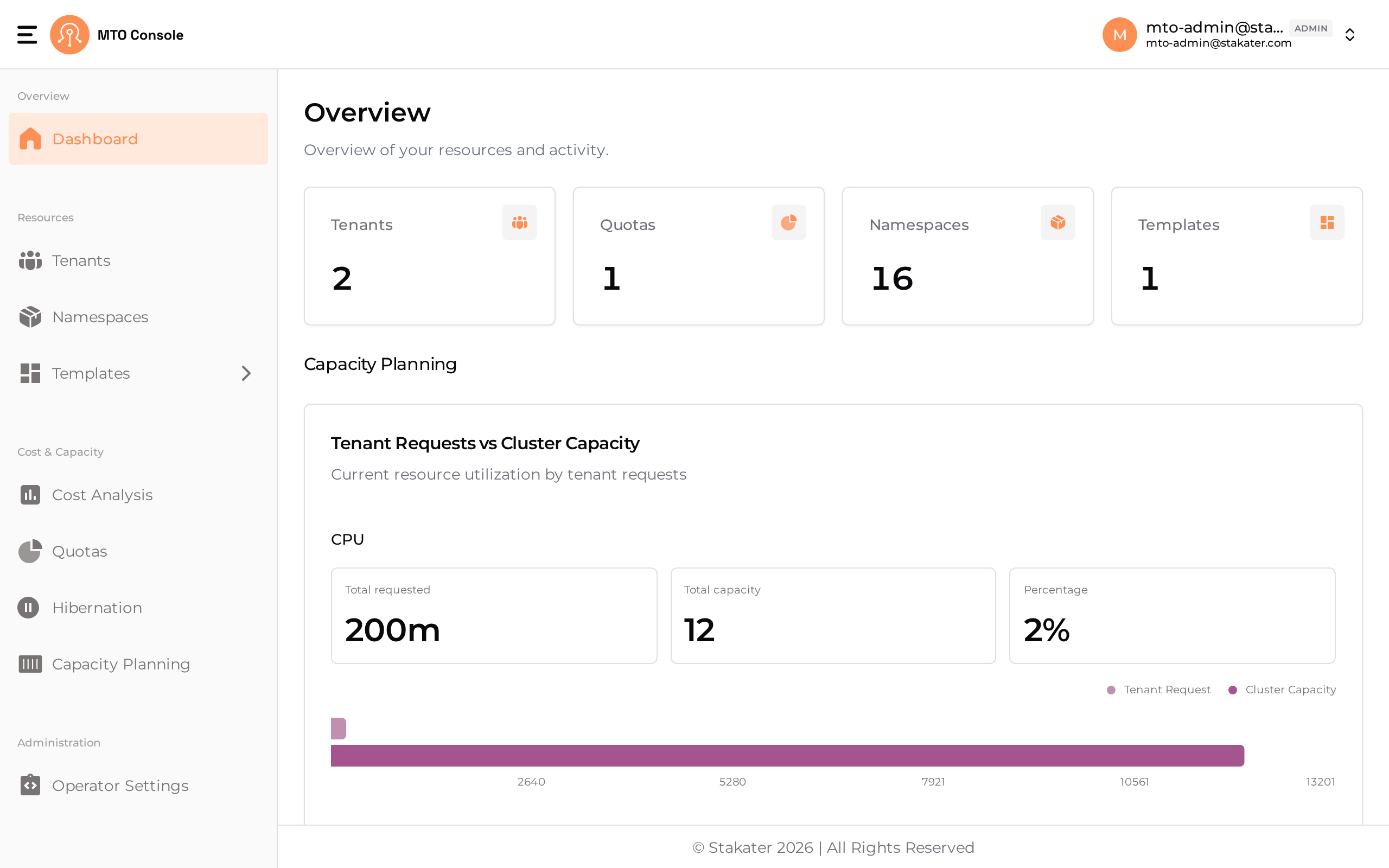
The MTO Console is the visual interface over everything MTO manages — tenants, namespaces, quotas, costs, templates and hibernation schedules. It serves two audiences from the same data.
Everything the Console shows is read from the same Kubernetes resources you manage in Git, and everything it writes goes back to those resources. There is no second source of truth to reconcile.
Two personas, one model#
Platform administrators see the whole cluster: every tenant and the namespaces underneath it, quota consumption across the fleet, what each tenant costs, which templates exist and where they are applied, hibernation schedules, and how much capacity the cluster has left. This is where you onboard a tenant, adjust a quota, or find out which team is responsible for last month's increase.
Tenant users see only what their tenant owns. They create namespaces within the boundary they were given, check how much of their quota is left, instantiate templates, inspect their own costs, and wake a hibernated environment when they need it back — without filing a ticket, and without being able to step outside the guardrails the administrator set.
Which pages and actions a given user sees is decided by their role on the tenant — owner, editor or viewer. See Configuration for the role-to-permission mapping.
Pages#
| Page | What it is for | Primarily |
|---|---|---|
| Dashboard | A snapshot of tenants, namespaces and quotas, plus a seven-day cost trend | Both |
| Tenants | Create, update and inspect tenants; quota utilization, YAML and a relationship graph | Administrators |
| Namespaces | The namespaces a tenant owns, and their detail views | Both |
| Quotas | The quotas assigned to each tenant and how much is consumed | Administrators |
| Cost Analysis | Cost by tenant, namespace and workload over a chosen period | Both |
| Capacity Planning | What the nodes provide, what is committed, and what remains | Administrators |
| Hibernation | Sleep and wake schedules, and manual sleep or wake by name or label | Both |
| Templates | The catalogue of reusable manifests and Helm charts | Administrators |
| Template Instances | Deploying a template into a specific namespace | Both |
| Cluster Template Instances | Deploying a template into every namespace matching a label selector | Administrators |
| Configuration | Console roles, permissions and settings | Administrators |
Getting the Console running#
The Console is disabled by default and is enabled through the IntegrationConfig, along with the Gateway and Dex components it depends on. The Dashboard page has the configuration; IntegrationConfig has the full reference.