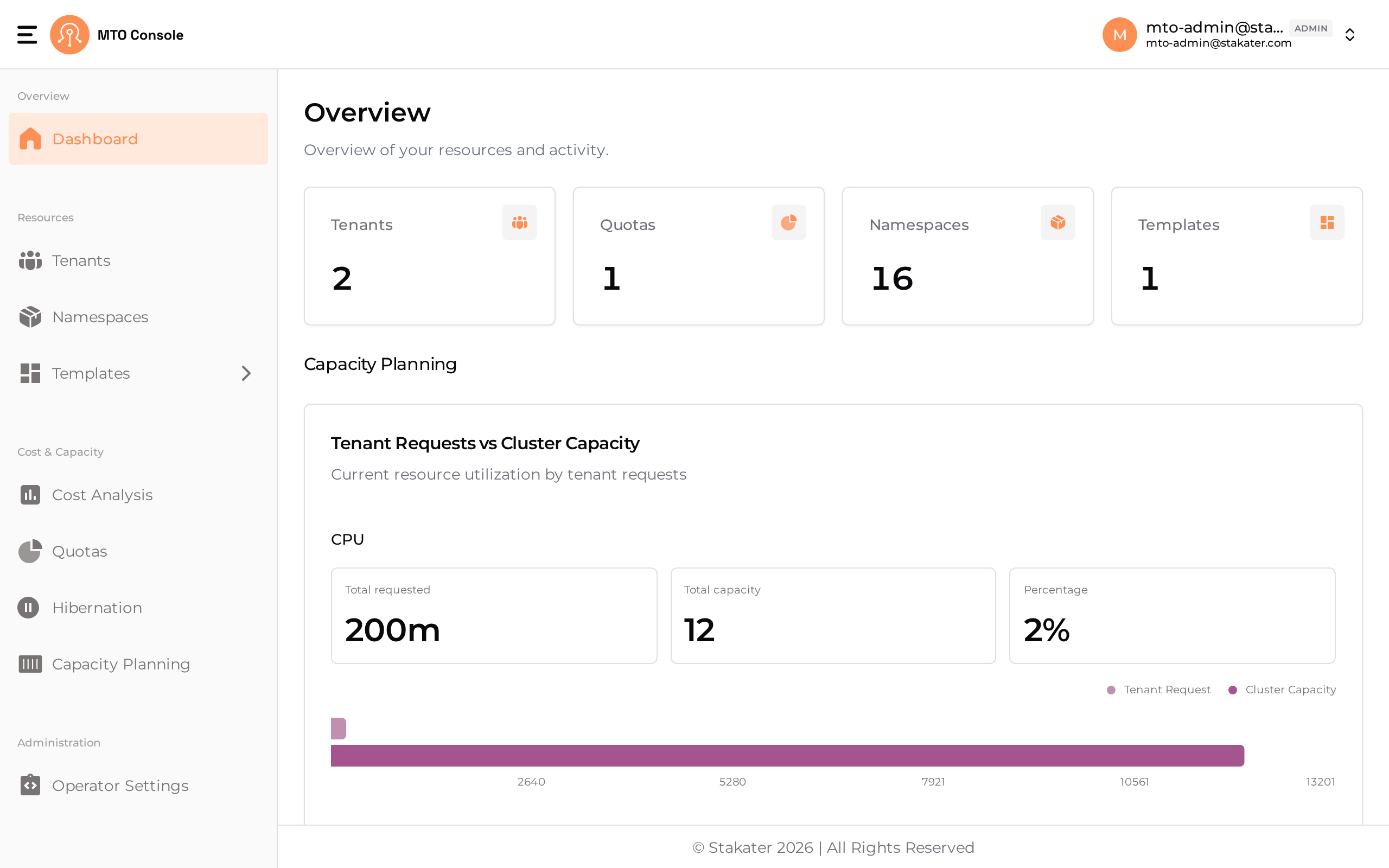
Dashboard#
The dashboard serves as a centralized monitoring hub, offering insights into the current state of tenants, namespaces, and quotas. It is designed to provide a quick summary/snapshot of MTO resources' status. Additionally, it includes a Showback graph that presents a quick glance of the seven-day cost trends associated with the namespaces/tenants based on the logged-in user.
By default, MTO Console will be disabled and has to be enabled by setting the below configuration in IntegrationConfig.
components:
    console: true
    ingress:
      ingressClassName: <ingress-class-name>
      host: <shared-hostname>
      tlsSecretName: <tls-secret-name>
    showback: true
    trustedRootCert: <root-ca-secret-name>
<shared-hostname> : hostname serving the Console, Gateway, Dex and FinOps Gateway
<ingress-class-name> : name of the ingress class
<tls-secret-name> : name of the secret that contains the TLS certificate and key
<root-ca-secret-name> : name of the secret that contains the root CA certificate
The Console is served at / on the shared host, and the other components on their own path prefixes. See Ingress for the path layout and for the legacy one host per component setup.
Note:
trustedRootCertandtls-secret-nameare optional. If not provided, MTO will use the default root CA certificate and secrets respectively.
Once the above configuration is set on the IntegrationConfig, MTO would start provisioning the required resources for MTO Console to be ready. In a few moments, you should be able to see the Console Ingress in the multi-tenant-operator namespace which gives you access to the Console.
For more details on the configuration, please visit here.