Overview#
OpenBao is an identity-based secret and encryption management system. With the Multi-Tenant Operator (MTO), the OpenBao extension gives every tenant its own OpenBao namespace — a secrets store, encryption keys and a certificate authority — with the policies and login roles that let the tenant's people and workloads reach them and nothing else, all derived from the Tenant you already maintain.
Note
This is the Helm-chart OpenBao extension (mto-extension-openbao). It is optional.
Requires Template Operator v2 and the OpenBao Config Operator
The extension is configuration — it installs no controller of its own. It renders Template Operator v2 objects (templates.v2.stakater.com), which render OpenBao Config Operator custom resources; that operator applies them to OpenBao. Both operators must be running. See Installation.
At a glance#
| You maintain | The extension keeps in sync |
|---|---|
a Tenant |
an OpenBao namespace per tenant — KV, transit and PKI inside it |
| a ServiceAccount annotation per app | a policy + login role scoped to that app's own path |
| a Deployment annotation | the secret delivered as a Kubernetes Secret via External Secrets |
Everything an application team writes fits on one screen — the ServiceAccount says what the app needs, the Deployment says which secret to deliver, and the container reads an ordinary Kubernetes Secret:
apiVersion: v1
kind: ServiceAccount
metadata:
  name: web
  namespace: team-a-api
  annotations:
    bao.stakater.com/kv: "true"       # give this application a private secrets path
    bao.stakater.com/tier: editor     # it may read and write there
---
apiVersion: apps/v1
kind: Deployment
metadata:
  name: web
  namespace: team-a-api
  annotations:
    bao.stakater.com/kv-secret.db-creds: postgres   # deliver this secret
spec:
  template:
    spec:
      serviceAccountName: web
      containers:
        - name: web
          image: my/web:1.0
          envFrom:
            - secretRef:
                name: web-db-creds    # created and kept in sync for you
The OpenBao policy, the login role and the Kubernetes Secret are all created from those three annotations. A developer never writes an OpenBao policy and never holds a static credential — the pod authenticates with the token Kubernetes already gives it.
What each tenant gets#
| Capability | Default | What it is |
|---|---|---|
| A private OpenBao namespace | on | Everything for the tenant lives under <tenant>/. One tenant cannot see or reach another tenant's. |
| Secrets storage | on | A KV engine (v2), each application's secrets on its own path. |
| Encryption keys | on | A transit engine — the workload sends data and gets it back encrypted; the key never leaves OpenBao. |
| Certificates | on | A PKI certificate authority per tenant, for serving TLS and service-to-service mTLS. |
| Secret delivery | on | Secrets arrive as Kubernetes Secrets through External Secrets, so an application needs no OpenBao code. |
| Human login | off | Tenant members sign in through your OIDC provider; group membership decides access. |
| cert-manager issuance | off | A cert-manager Issuer per namespace. |
| Cross-tenant trust | off | Opt-in, directional trust between two tenants' certificate authorities. |
Engines exist for every tenant, but grant nothing on their own: a workload gets access only once its ServiceAccount is annotated. Access is never derived from the tenant's accessControl groups (as it is in the Vault integration) — workloads get access from ServiceAccount annotations, people from identity-provider groups named after the tenant.
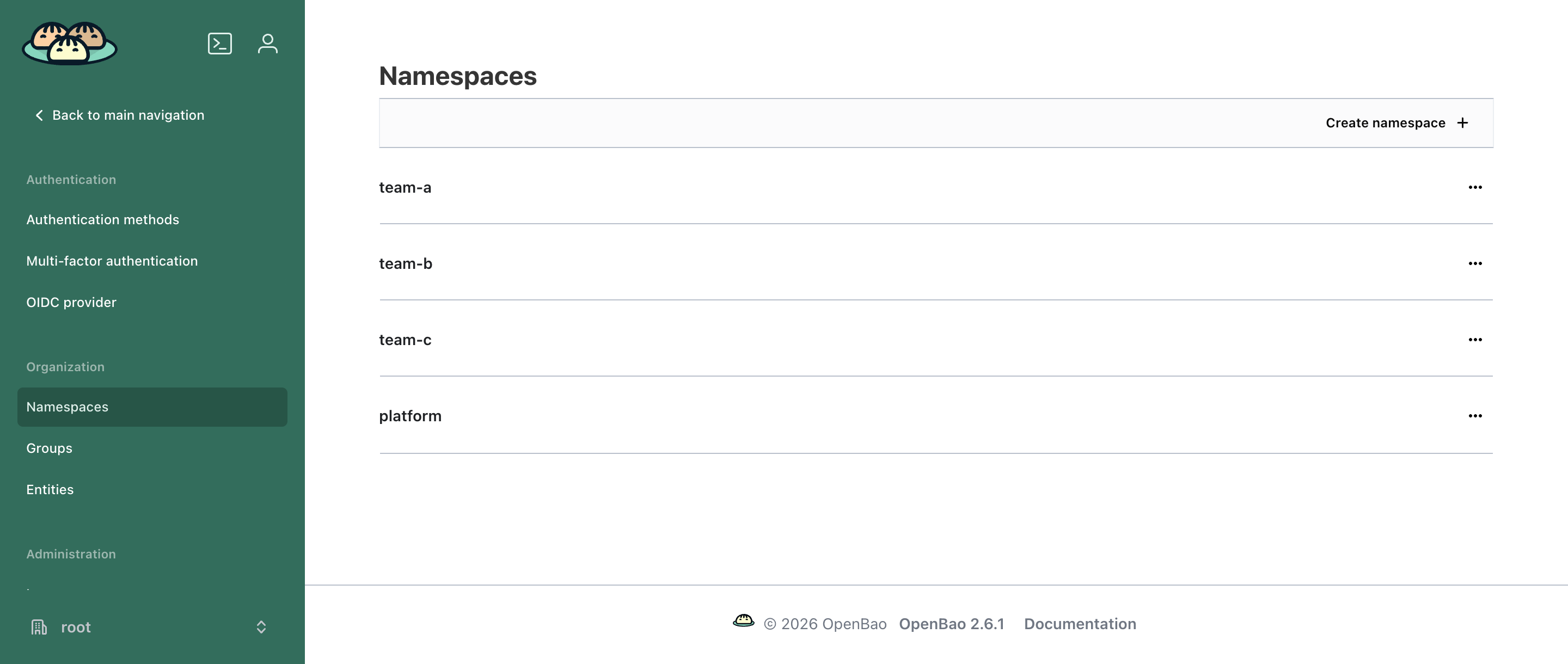
One OpenBao namespace per tenant, created with the Tenant. The platform namespace holds the certificate authority that signs each tenant's CA. A login to one tenant's namespace gives no access to any other.
How tiers map to OpenBao access#
A tier is set with bao.stakater.com/tier and applies to every engine the ServiceAccount enables:
| Tier | Secrets (KV) | Encryption (transit) |
|---|---|---|
audit-read |
list names only — no values | none |
viewer |
read, list | none |
editor |
create, read, update, patch, list | encrypt, decrypt, rewrap |
admin |
create, read, update, patch, list, delete | the above, plus create, rotate and delete keys |
Transit needs write access, so viewer and audit-read get none. Certificates are the exception: a workload that opts into PKI may issue and sign at any tier. For people signing in through OIDC, the tier bounds certificate access as well.
Who does what#
| Platform / OpenBao administrator | Tenant | |
|---|---|---|
| Sets up once | the OpenBao login for the operator; installs the extension | — |
| Per tenant | nothing | annotates ServiceAccounts/Deployments for the access each app needs |
| Never | writes per-tenant OpenBao policy by hand | holds a static credential, or reaches another tenant's namespace |
Built on Template Operator v2
Because the extension renders through Template Operator v2, the permissions it grants are shared with anyone who can author a Template. On a cluster where tenants (or others) can create Templates, read Security → how the extension scopes Template Operator v2 before production.
In this section#
- Installation — prerequisites, the one-time operator bootstrap, install the extension
- Giving an application a secret — annotate, write, read from a pod
- Secrets and sharing — the KV layout, sharing within and between tenants
- Encryption and certificates — transit keys, PKI, cert-manager, cross-tenant trust
- Delivery and login — Kubernetes
Secrets via External Secrets, and human SSO - Security — the trust boundary and the Template-author caveat
- Operating — health, troubleshooting, what deletion does
- Reference — the annotation grammar and install values
Next: Installation